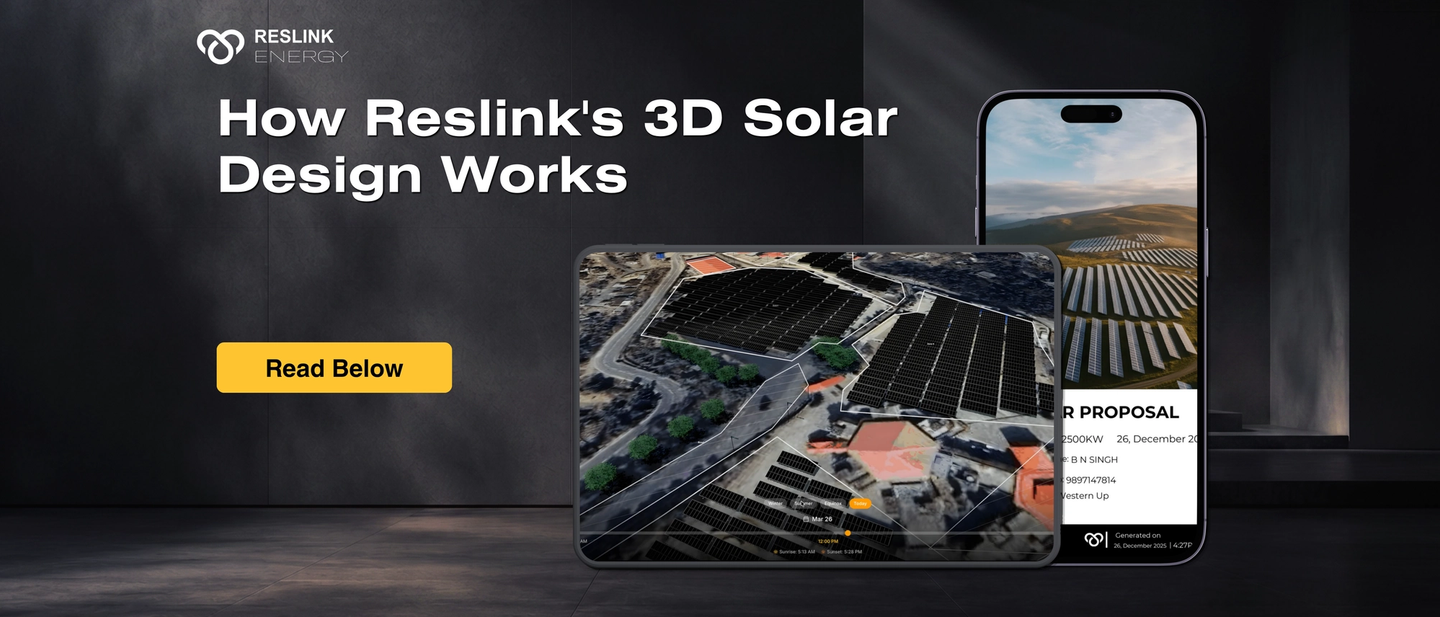
How Reslink's 3D Solar Design Works: Site to Bankable Output
Quick Answer
Question | Answer |
|---|---|
What actually happens between a site visit and a finished proposal in Reslink? | Five stages run from one design: roof capture, panel placement, shadow simulation, proposal and BOE generation, and bank-ready documents, all from a single 3D model. |
Does this require an engineer or a design specialist? | No, the workflow is built for a field salesperson to complete alone, on-site, on a phone. |
What's different from the conventional EPC workflow? | The conventional process uses five separate tools and three or four people across multiple days. This is one platform, one person, one site visit. |
What's the single biggest fact? | Every downstream document, proposal, BOE, Bills of Structure, bank-ready SLD, traces back to the same 3D model, so nothing gets re-entered or falls out of sync. |
What should EPCs do now? | Count how many separate tools and people the current process touches between site visit and financing-ready documents. |
The Problem With How Most EPCs Handle Solar Design Today
The typical solar design process at a mid-size EPC works like this. A salesperson visits the site, takes photos and measurements, and returns to the office. The photos go to a design engineer who builds the layout in AutoCAD or a design tool. The layout goes to another person who prepares the proposal in PowerPoint or a PDF template. The proposal pricing goes to procurement, who calculates the BOM in Excel. The BOM and layout then go to an external consultant who prepares the Single Line Diagram and other documents required for bank financing. At each handoff, data is re-entered, errors are introduced, and time is lost.
For a project that takes 90 days from site visit to commissioning, 20 to 30 of those days are typically consumed by this handoff chain before a single panel is procured. Reslink is built to eliminate this chain entirely. The design the field rep builds on-site becomes the single source of truth for every document that follows. For the category-level case on why this workflow shift matters, see the full breakdown here, and for what fewer site visits specifically does to labour cost and yield accuracy, see the numbers here.
Stage 1: Roof Capture and 3D Model Generation
The Reslink workflow begins with the salesperson opening the mobile app at the customer's site. Using satellite imagery, the salesperson draws the roof boundary and the platform builds the 3D model, supporting multiple roof profile types including flat, pitched, multi-section, and complex commercial roofs.
The 3D model captures the actual dimensions, angles, and obstructions of the specific roof. Water tanks, parapets, AC units, lift structures, and adjacent building shadows are all modelled as physical objects in the 3D model. This is the step that makes everything downstream accurate. A generation forecast built on an accurate 3D model is credible.
Stage 2: Panel Placement and Auto-Stringing
With the 3D model built, the salesperson places panels on the roof surface within the app. Reslink's auto-stringing engine determines the optimal string configuration based on the panel layout and the selected inverter. The stringing is adjusted automatically when panels are added or removed. The system flags any configuration that falls outside the inverter's operating parameters before the design is finalised, preventing the most common electrical design errors that lead to site rework.
For commercial and industrial projects, the rep can design across multiple roof sections, set inter-row spacing for shadow avoidance, and specify different inverter configurations for different sections. The same mobile workflow applies from a 3 kW residential system to a multi-MW commercial installation.
Stage 3: Shadow Simulation and Energy Yield Report
Once the panel layout is set, Reslink runs shadow simulation across the roof's full obstruction profile. The simulation models shadow movement hour by hour across all 8,760 hours of the year, identifying which panels are affected by obstructions in each season and at each time of day. The output is an energy yield report that shows annual generation, monthly generation breakdown, and the specific loss percentage attributable to shading.
This is the output that makes the proposal credible. A customer who sees a shadow analysis showing how the water tank affects the east-facing panels in December, and how the layout was optimised to minimise that impact, understands immediately that the generation numbers in the proposal are not estimates. They are site-specific calculations. The trust this builds is qualitatively different from a proposal that shows a round generation number with no source.
Stage 4: Proposal, BOE, and Bills of Structure
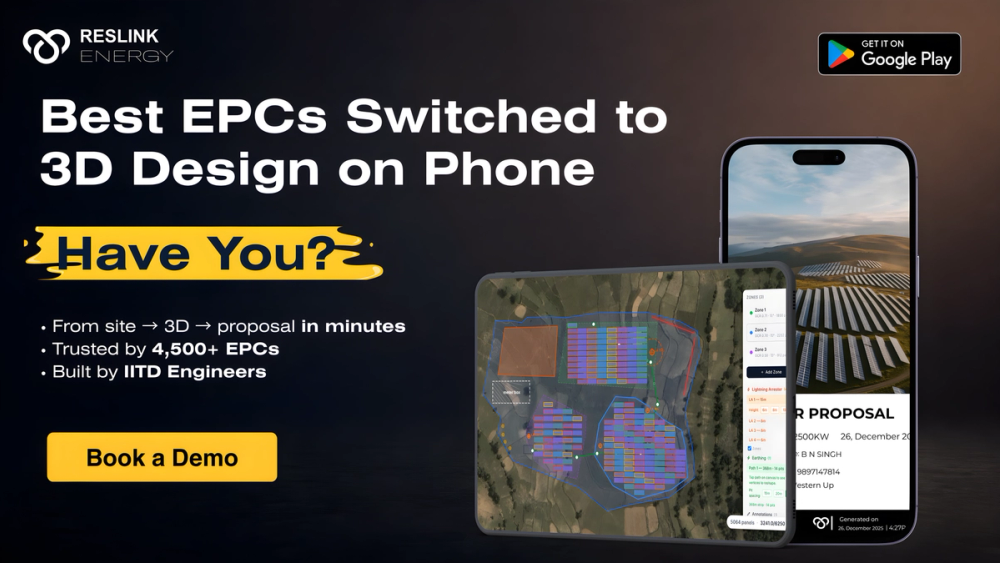
With the design complete, Reslink also generates the proposal directly from the 3D model. The proposal includes the site-specific generation report, the shadow analysis output, a rupee or local-currency ROI projection, the system specification with equipment details, and the pricing and financing section.
Simultaneously, Reslink generates the full Bills of Electrical (BOE) and Bills of Structure from the design. The BOE includes AC and DC cables with sizing and lengths calculated from the actual string layout, AC distribution boards, DC distribution boards, lightning arrestors, MC4 connectors, and earthing components. The Bills of Structure include purlins, rafters, mounting dimensions, and panel layout specifications. Both documents are extracted from the 3D design, with no manual BOM preparation.
Stage 5: Bank-Ready Document Output
The final stage produces the documentation required for project financing. Reslink generates Single Line Diagrams (SLDs), layout drawings, and string drawings that meet the submission standards required by banks and financial institutions without requiring modification after export. For EPCs and developers managing project financing, this eliminates the typical post-design engineering rework that delays financing applications by weeks. The documents are ready at the point of design completion, not after a separate documentation cycle.
What this means in practice: a field rep using Reslink can complete a site visit, build the 3D design, run the shadow simulation, generate the proposal with generation report and ROI, and have the BOE, Bills of Structure, and bank-ready SLD documents ready, all before leaving the customer's site. The deal can be discussed and closed in the same visit.
Where the Lead Goes Once the Documents Are Ready
Five stages of design and documentation don't help much if the project then falls out of sight the moment the rep leaves the roof. Reslink's CRM carries the same project forward from this point, tracking it through the DISCOM milestones that follow, feasibility submission, technical sanction, net metering application, inspection, and commissioning, so the design and the project's live status stay in the same platform instead of handing off to a spreadsheet once the documents are generated.
How This Differs From the Conventional Workflow
In a conventional solar EPC workflow, the five stages above involve five different tools, field notes, AutoCAD or design software, PowerPoint or a PDF template, Excel for BOM, and an external engineering consultant for SLDs, three or four different people, and multiple days of calendar time between stages. Reslink replaces all five tools with one platform, all four people with one field rep on a phone, and multiple days with one site visit.
Common Mistakes EPCs Make With Multi-Tool Workflows
- Underestimating how much the handoffs themselves cost, not just the time within each stage. The 20 to 30 days typically lost between site visit and procurement in a conventional workflow isn't mostly design or drafting time, it's waiting for a handoff and re-entering data that already existed somewhere else.
- Treating BOE and Bills of Structure as a downstream procurement task rather than a design output. When these are prepared separately from the 3D design, any late design change means someone has to remember to update the material list manually, which is exactly where mismatches between design and procurement come from.
- Assuming bank-ready documentation is a formality that can be handled after the deal closes. An SLD that needs post-processing before a bank will accept it can delay a financing application by weeks, worth checking before the design phase is considered finished, not after.
What EPCs Should Do Now
- Map the current process from site visit to financing-ready documents, and count how many separate tools and people it passes through.
- Check specifically whether BOE and Bills of Structure are generated from the design or prepared separately afterward, that's usually where the biggest, least visible time cost sits.
- Book a demo to see all five stages run from a single site visit.
How This Fits Into a Reslink Workflow
Every stage above runs inside one platform because the underlying data doesn't change between stages, only what's generated from it does. A field rep isn't handing a design off to be turned into a proposal by someone else, they're generating the proposal, the BOE, and the bank-ready documents from the same model they just built, in the same sitting.
See all five stages run end to end, on a real site → Book a demo
Frequently Asked Questions
Q1. Can Reslink's 3D solar design really be done entirely on a mobile phone?
Yes. Reslink's mobile design capability is not a simplified version of the desktop tool. It is a fully optimised mobile workflow where the salesperson uses satellite imagery to draw the roof, builds the 3D model in the app, places panels, runs shadow simulation, and generates all output documents without needing a laptop or desktop at any stage. Reslink is the world's first mobile-first 3D solar design platform.
Q2. What types of roofs does Reslink support for 3D design?
Reslink supports multiple roof types including flat, pitched, hip, gable, multi-section, and complex commercial geometries. It also supports ground-mount utility-scale projects. Obstructions including water tanks, parapets, AC units, skylights, and adjacent structures are modelled as 3D objects within the design environment, ensuring that shadow analysis and panel placement account for real-site conditions.
Q3. How accurate is Reslink's shadow analysis and energy yield report?
Reslink's shadow simulation models shadow movement across all 8,760 hours of the year using location-specific irradiance data. Generation accuracy and shadow analysis in Reslink meet or exceed global industry benchmarks. The outputs are used directly in financing documentation submitted to banks, which is the most demanding accuracy standard in the industry.
Q4. What are bank-ready documents and why do EPCs need them?
Bank-ready documents are the technical drawings and reports required by banks and financial institutions before approving project financing. These include Single Line Diagrams (SLDs), layout drawings, and string drawings. Most platforms produce outputs that require post-processing or reformatting by an engineering consultant before they meet bank submission standards. Reslink generates these documents directly from the 3D design in a format that is submittable without modification, eliminating the external consultant step and compressing the financing timeline.
Q5. Does Reslink work for ground-mount and utility-scale projects, or only rooftop?
Reslink supports projects from small residential rooftops to 1 GW utility-scale ground-mount installations, all within the same platform and the same workflow. The design engine handles both rooftop and ground-mount project types with the same accuracy and the same downstream output, proposal, BOE, Bills of Structure, and bank documents.
Q6. How long does it take a new user to become proficient in Reslink?
Sales representatives and design engineers typically become proficient Reslink users within 1 to 2 days of training. The interface is designed for non-technical sales professionals as well as engineers, which means field teams can be onboarded and productive significantly faster than with complex desktop-first design platforms that typically require weeks of training.
You May Also Like
- Solar Design Software for Indian EPCs
- 3D Solar PV Design Software: Design First, Visit Once
- How 3D Design Closes More Solar Deals
Sources
- MNRE, Approved Models and Manufacturers List (ALMM), current edition
- PM Surya Ghar Muft Bijli Yojana, subsidy notification and EPC guidelines
Related Articles
Solar Design Software India: The Full Scorecard
6 platforms scored on nine criteria, methodology shown, India regulatory depth included. The most complete, most transparently scored comparison published.
Best Solar Software in India: By Type, Then by Use Case
Which type of solar software you actually need, then the right pick by project type: residential, C&I, utility-scale, and multi-state Indian EPCs.
Solar Design Software Stack India: Break-Even Math (2026)
No single tool covers the Indian solar stack. The real break-even formula for licensing PVsyst and AutoCAD in-house versus outsourcing them.